
The LCS Exam Status report shows the patient ID, exam status, and form submission dates for each exam. The report helps you keep track of what data have been submitted for each patient so you can identify any gaps, such as missing or incomplete forms.
All users can view this report.
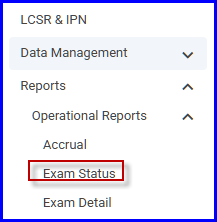
To view the report, select it from the list of reports in the LCSR & IPN Reports menu.
The Exam Status Report filter allows you to refine the data queried for the report.
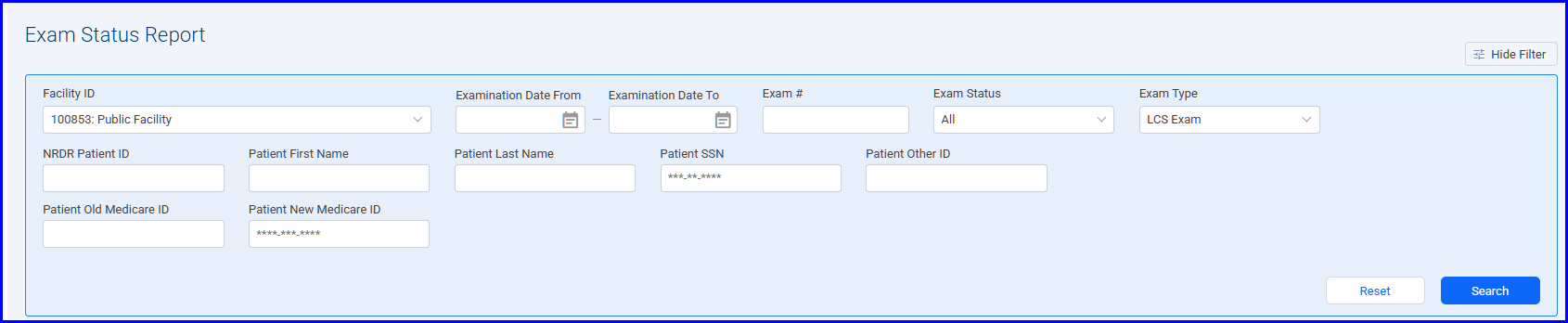
You can narrow the list of exams that appear in the report by entering search criteria in any of the other fields shown. If you leave all fields blank, the report includes all exams for your facility.
To run the report, click the Search button. After you select the Open File option from the Downloads menu in the top right corner of the screen, the report appears in a new window as an Excel spreadsheet.

 | Previous: Accrual | Next: Exam Detail |  |