
Note: These instructions are for MS Windows 11; there may be some differences in steps depending on your version of Windows.
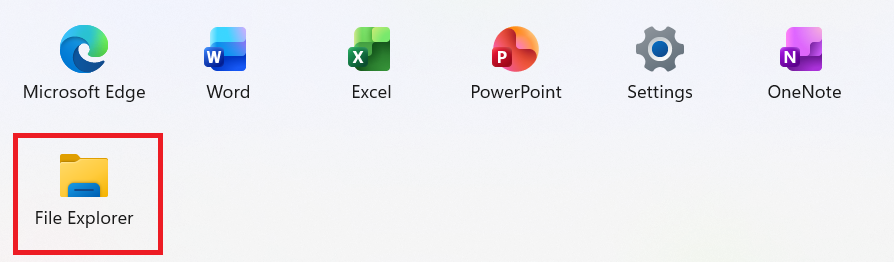
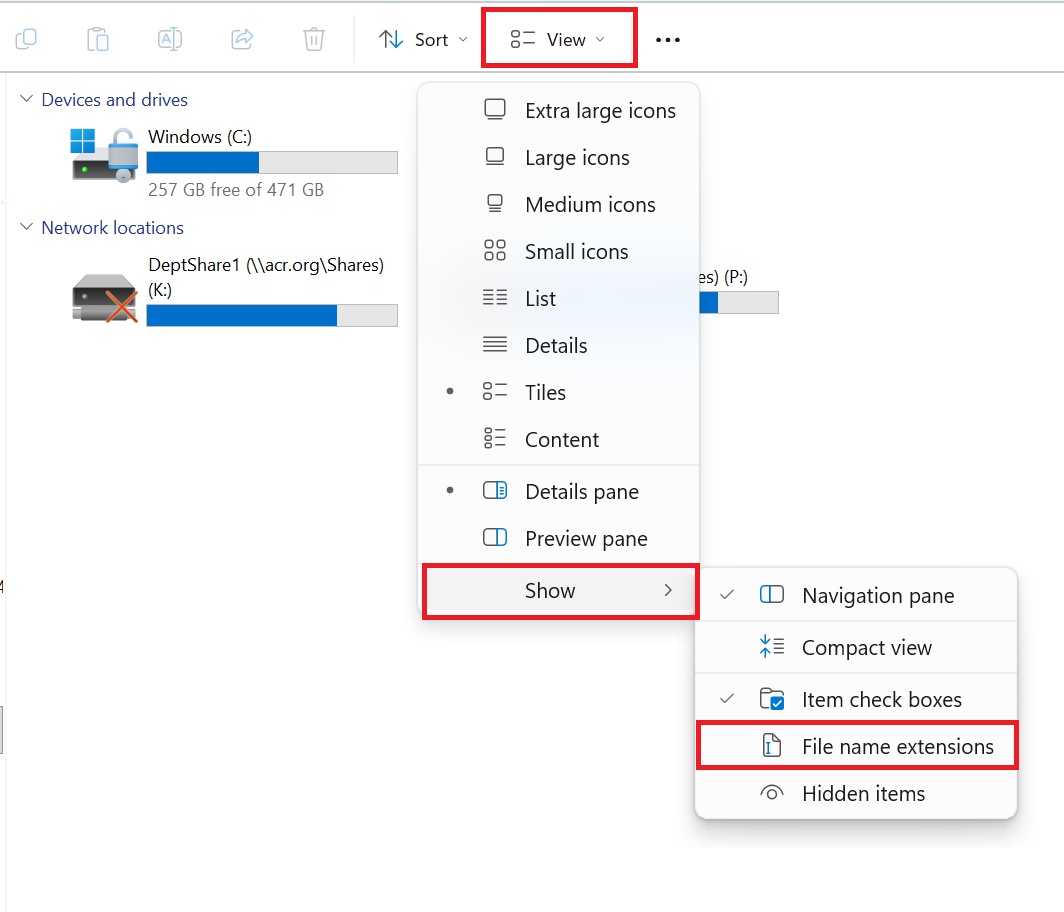
Open File Explorer. Select View > Show > File name extensions. File extensions such as .pdf, .docx, .xlsx, and .jpg will now be visible.
 | Previous: Convert an Excel File to a .TXT File | Next: Configure Windows for Data File Uploads |  |